
How to Search Cases by Name
Start by matching the case type to the right court. Traffic tickets, misdemeanors, civil infractions, and small claims all point to District Court. The same goes for lower-dollar civil matters, ordinance cases, and preliminary examinations, which usually sit in the 72nd District Court. The 31st Circuit Court is the other big one. It handles felony trials, major civil cases, domestic-relations matters, and Family Division work. Probate takes estates, guardianships, conservatorships, and mental-health cases. Sort this out first. A St. Clair County case lookup by name gets much sharper, since you know which docket should hold the filing you want.
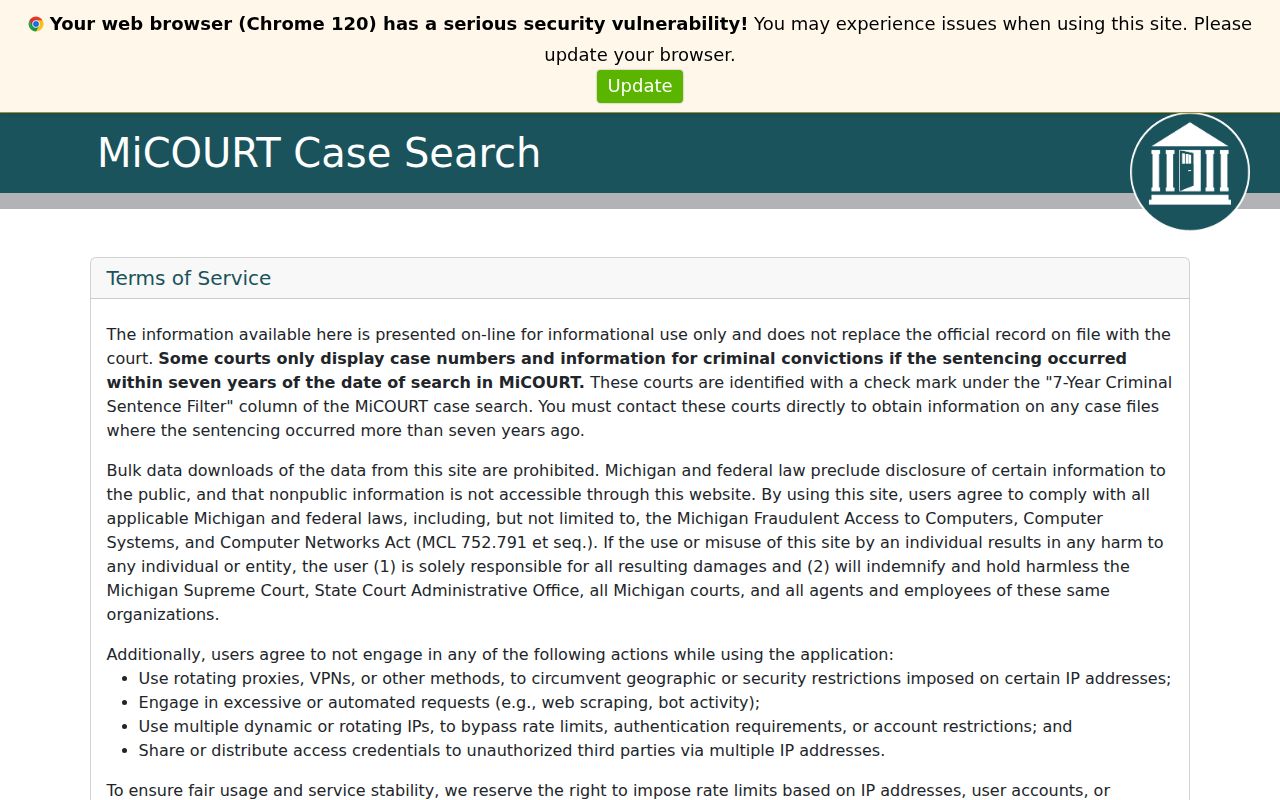
- Open MiCOURT Case Search and accept its public-information notice.
- Choose Name Search and enter at least two characters in Last Name or Business. First and middle name fields are optional for the ordinary public search.
- Use case category, status, court selection, or a filed-date range to narrow a common name. MiCOURT does not offer wildcard searching.
- Open the case identifier, confirm the court location and case type, then read the Register of Actions, hearing details, and public links.
Whatever the public result shows, treat it as a starting point only. It can be incomplete. The official record lives with the St. Clair County clerk or the court itself, and nothing online replaces it.
| Field label | Type | Required | Format or use |
|---|---|---|---|
| Last Name or Business | Text | Yes | At least two characters; no wildcards. |
| First Name | Text | No | Optional for ordinary public name search. |
| Middle Name | Text | No | Optional; no wildcard feature documented. |
| Case Status | Checkboxes | No | Active and Closed filters. |
| Case Category | Checkboxes | No | Civil, Criminal/Traffic/Civil Infractions, Probate, and other available public categories. |
| Filed Date From/To | Date fields | No | Use the displayed MM/DD/YYYY style. |
| Court selection | Search or filter | No | Shows county, court name, description, and a seven-year criminal-sentence filter column. |
St. Clair County Case Search Fields
MiCOURT separates name searches from case-number searches with its own tabs. The public side of the tool adds filters for case status, category, and dates. It also has a screen for picking the court. Two date fields answer different questions. A filed-date range narrows results by when the case opened. An offense-date range matters for criminal, traffic, and civil-infraction lookups where that field appears. Keep the search lean. Use only what you need to find one known court record.
The MiCOURT case-search interface is the statewide public route into a St. Clair County case lookup. It is built for one case at a time. Its terms of use bar bulk downloads.
Filters shrink a long list. That is all they do. They cannot confirm identity or guarantee full coverage, so check the court, the case number, and the public detail view before deciding a result is the St. Clair County case you were after.
Note: The Active and Closed filters describe a system status and should be read with the disposition, judgment, order, and later case events.
How to Search by Case Number
The fastest St. Clair County case lookup starts with a full case number. Local Web Inquiry shows one pattern: 00-000000-XX. That breaks down as a two-digit year, a six-digit identifier, and a two-letter case type. A second local format appears on the County Clerk's circuit document-request form: 99-000000-XX. Type the number the way the portal expects. And remember that District, Circuit, and Probate records do not all sit with one clerk.
MiCOURT's number-search mode asks for a case year, a case number, and an optional case type. Its examples include 1818003SC, 000001073, and 17489, since participating courts use different styles. Resist the urge to fix things. Do not pad missing zeros. Do not swap the type code. And do not assume the Web Inquiry pattern matches every statewide docket result.
St. Clair County Case Number Formats
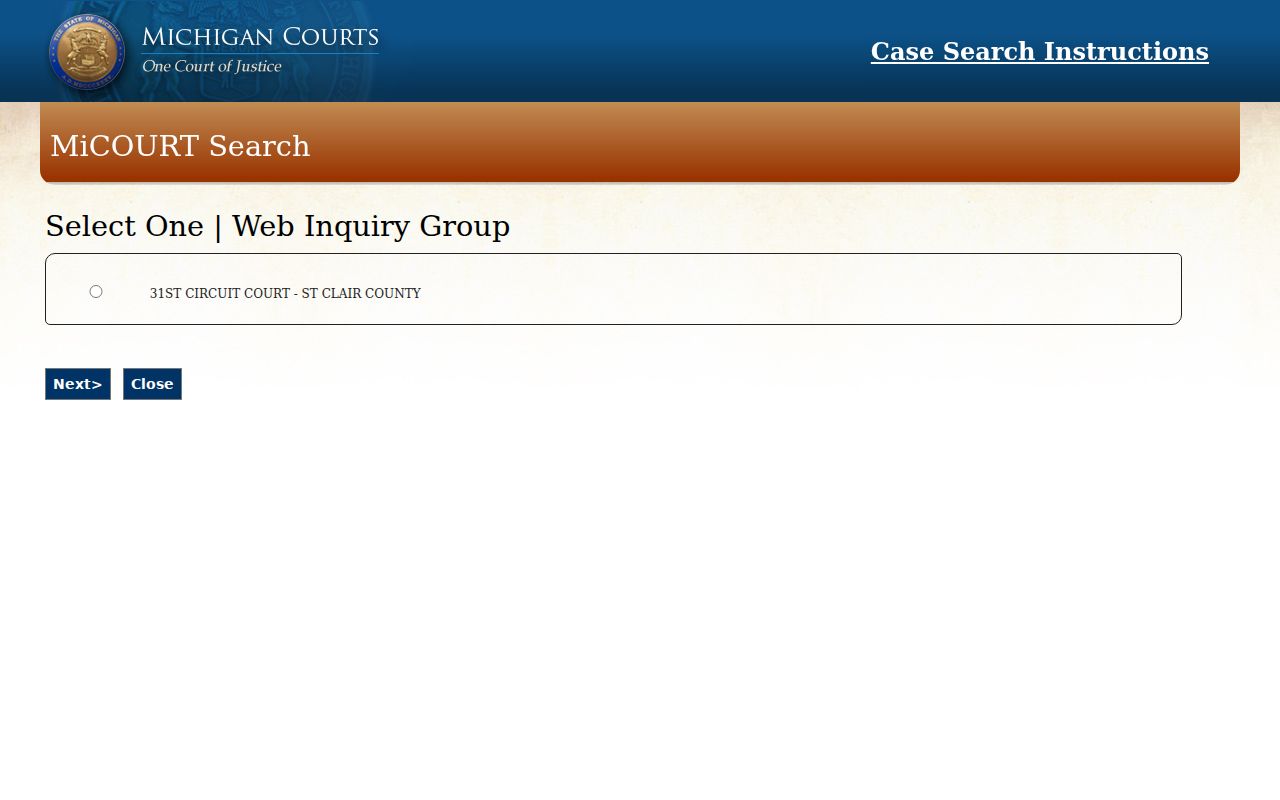
The older county route still matters for understanding the fields. After you accept the St. Clair Web Inquiry agreement, you can pick the St. Clair court inquiry group. From there you can search by name, case, or calendar. The guide says its Case Search accepts a year plus a partial case identifier. The live selections can depend on your session. When a session error pops up, the official fix is simple. Close the browser and open a new window.
The St. Clair Web Inquiry selection page is the local entry point. That page lists the available inquiry groups. Treat it as a local route that runs alongside the statewide MiCOURT layer, not a replacement for it.
Sometimes a number returns nothing. That can mean the case sits at a different court level, a different 72nd District branch, an excluded category, a restricted record, or simply a case that has not been indexed yet. The number by itself cannot tell you who holds the court record.
What a Case Search Shows
A St. Clair County case search usually begins with a result row. It opens into a public case-history view. The detail screen may show a header, party roles, events, hearings, financial entries, and cross-references. Some things stay hidden. Protected identifiers, document images, and entire restricted categories can all be left out. So treat the case history as a procedural overview of the court docket. It is not a complete file. It is not a certified record.
| Case ID or number | The public identifier, which may use a local or participating-court format such as 00-000000-XX. |
|---|---|
| Court and location | The participating court and branch, such as Circuit, District Port Huron, District Marine City, or Probate where public. |
| Case title and type | The public caption or style, category, and more specific classification when available. |
| Filed date and status | When the case opened and the system status; a status does not by itself explain the result. |
| Register of Actions | Dated events such as filings, service, hearings, motions, orders, pleas, dispositions, judgments, continuances, or resets. |
| Hearing and financial entries | Date, time, location, officer, hearing information, and financial items where the public interface exposes them. |
| Access flag | Public, restricted, redacted, sealed, or unavailable image terminology when the system shows it. |
St. Clair County Case Search Layers
A St. Clair County case search actually touches three distinct layers. Mixing them causes real confusion. First comes the result itself. It only tells you a case may exist. The second layer is the case history, often labeled the Register of Actions. It lists dated events and settings at the case level. The third layer holds the actual filings: a complaint, petition, motion, judgment, order, transcript, or exhibit. Finding a case in the public case history does not promise you a public PDF of any document. And a print from your browser, whatever it looks like, is not a certified copy.
| Layer | What it can answer | St. Clair County route |
|---|---|---|
| Search result | Whether a public result matches a name or number. | MiCOURT or local Web Inquiry. |
| Case history | What events, settings, status, and public fields are displayed. | Open the case identifier in the public portal. |
| Filed document or certified copy | What the actual pleading, order, judgment, or other file item says. | Request it from the clerk that keeps the Circuit, District, or Probate record. |
Sometimes you need the paper itself, not just a case-history view. For that, the St. Clair County court record search route helps you pick the right channel. It helps you pick a copy-request path. One caution applies to the county circuit form. It does not cover District or Probate files. Those case records must be requested another way.
County vs Statewide Case Search
MiCOURT is the statewide public starting point. You can count on it when the local route fails, stalls at an agreement screen, or forces a different court selection. For St. Clair County itself, Web Inquiry works well as a county-level supplement. It offers a three-tab layout and case-history terms. Remember what both layers are not. Each excludes nonpublic information, and neither replaces the official clerk record. When you need an exact copy or a category that is missing, contact the clerk who holds the file.
| MiCOURT statewide search | St. Clair Web Inquiry |
|---|---|
| Searches participating public Michigan court data through current Name Search and Case Number Search tools. | Provides local Name, Case, and Calendar Search tabs for the St. Clair inquiry group. |
| Offers category, status, date, and court-selection controls, with a seven-year criminal-sentence filter notice. | Uses local case-number guidance and a calendar date-range rule with conditional location or officer fields. |
| Useful when the county route fails or when the court selection needs to be checked. | Useful when a known St. Clair County case needs the local public case-history route. |
St. Clair County Case Search Limits
Some case types never appear in MiCOURT's public view. Adoption, juvenile and child-protective proceedings, juvenile guardianships, mental illness, name changes, personal protection orders, certain protection-order matters, and wills are all held back. The public Web Inquiry guide draws the same line on personal protection orders. Its secured and intranet layers follow separate access rules. Keep this in perspective. A missing entry reflects an access rule. It is not proof that a St. Clair County case never existed.
One more limit can surprise people. A seven-year criminal-sentence filter applies at some participating courts. The court-selection display flags which ones. For anything older, MiCOURT itself points you to the trial court. A St. Clair County docket can also list a restricted event. No public attachment sits behind it. When that happens, ask the clerk about the governing restriction. Ask whether the law permits a public or redacted version.
Note: A missing public result should be checked against court level, branch, number format, excluded category, and clerk routing before concluding the record is unavailable.
Restricted Cases and Access Rules
Michigan Court Rule 8.119 sets the baseline. Trial-court case records are public unless a statute, court rule, or court order restricts them. Michigan Court Rule 1.109 adds its own layer. It covers protected personal information and redaction in filings. So when a St. Clair County court record is closed to you, ask the clerk who keeps the docket. Request a public or redacted copy and the reason for the restriction. Don't reach for a general FOIA request to get around a judicial record restriction.
It won't work anyway. The Michigan FOIA definition leaves out the judiciary. That includes a county clerk acting as circuit clerk. Access to court records runs through court rules and clerk procedures instead. A public hearing still doesn't put every exhibit or file item on display. And an absence from a public case search may simply mean a protected category, a seal, a set-aside rule, or a court order is at work. That rule may be the reason.
St. Clair County Case Search Filing Gate
MiFILE/TrueFiling is a filing system, not a public Register of Actions for everything. Its login page offers an email and password sign-in, account links, an available-court lookup, and support routes. Whether the public can actually open a document depends on court participation. It also depends on user permissions and the status of that specific file. For a St. Clair County case lookup, stay with MiCOURT or Web Inquiry. Use those for public case history.
The MiFILE/TrueFiling login shows the filing-account entry point the court system uses. Signing in there does not mean every St. Clair County case document can be downloaded. A clerk request may still be needed.
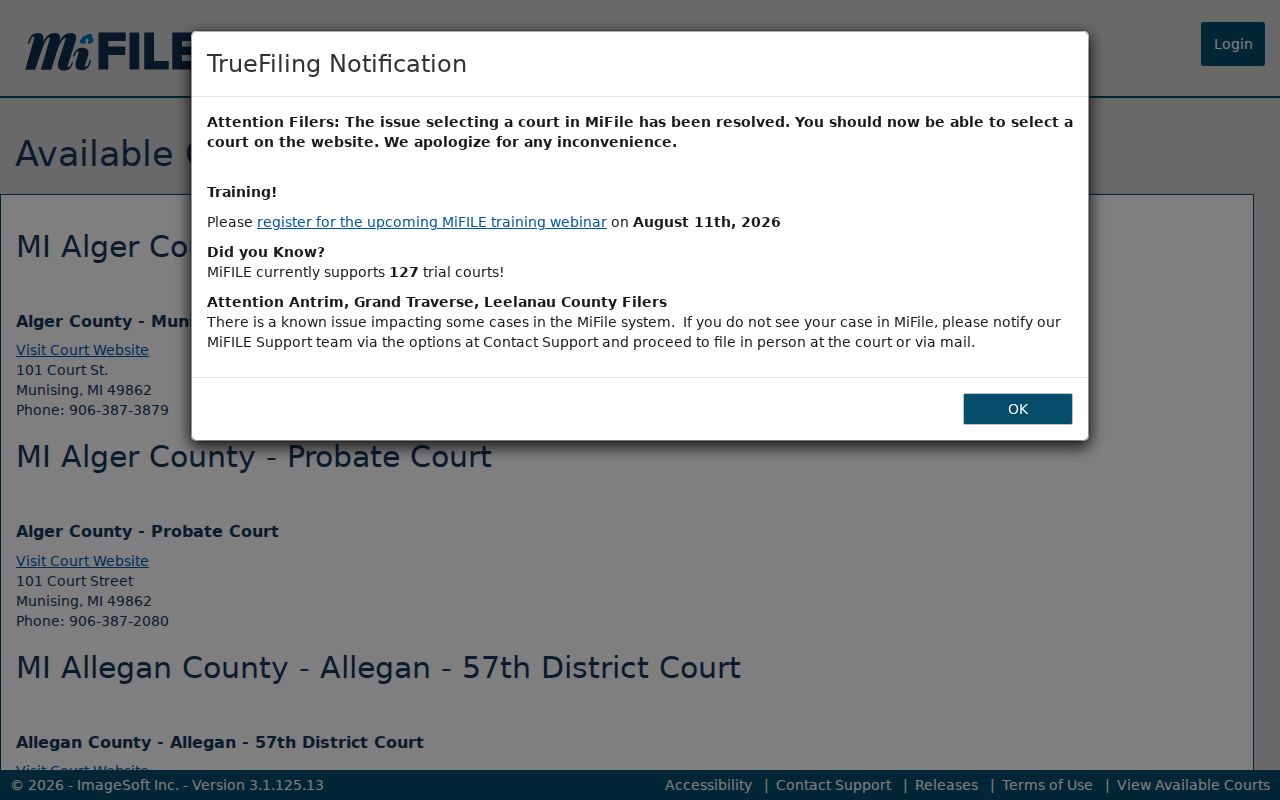
The available-courts tool lists participation information, including St. Clair Port Huron and Marine City entries. It separates filing availability from the public court-history search.
The MiFILE available-courts listing shows which courts accept electronic filing through that system.
When you need an actual filing or an official copy, the responsible clerk and the court's own instructions control the method, access, and any fees. Check with the St. Clair County clerk before assuming a download is available.